Set up your RPG controls in ten minutes
Use a quiet area to check movement, menus and combat inputs before your first long session.
Join the discussion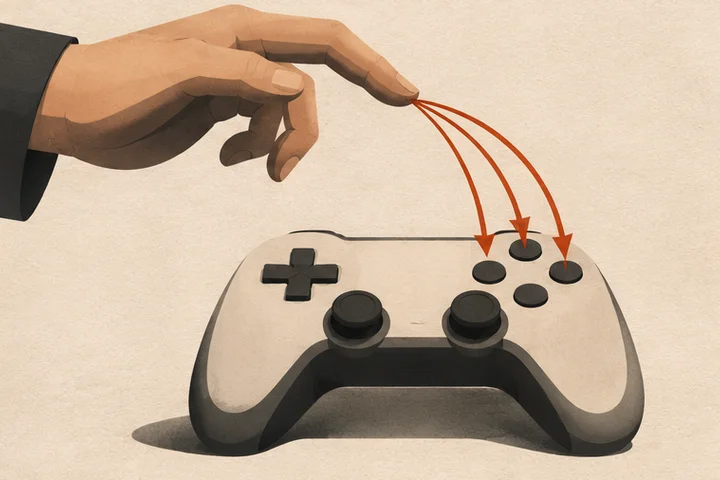
Choose the input device you expect to use and open the control settings. Note or capture the default layout so you can restore it. In a safe area, test movement, camera, interaction and whether you can open and close the inventory comfortably.
Remap one frequent action to a comfortable input if the game permits it. Check whether you displaced another command, then test the change while moving and turning. If the game offers both hold and toggle settings for an action, try each during the same short route.
Run that route again, open a menu and perform one safe combat action. Reload the save or restart the game to check that the setting persisted. Photograph the finished layout if you switch devices or share the machine.